

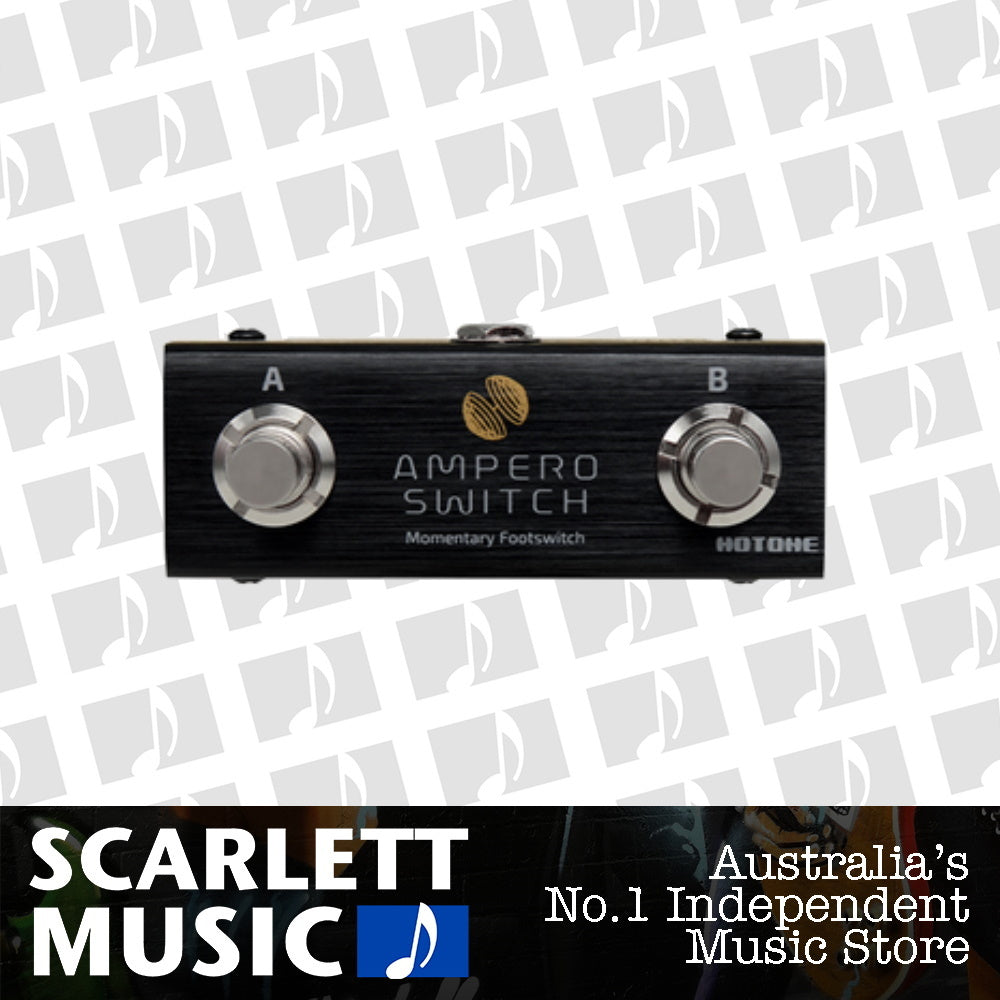
Hotone Ampero Switch Two Way Footswitch
Includes GST
Standard shipping $7
Most items ship the next business day; some take up to 3 business days. Tracked, then 4–9 business days in transit depending on location.
Free over $150.* Conditions apply.
Express shipping $15
1–3 business days depending on location.
Flat rate Australia-wide. Choose Express at checkout.
Click & Collect Free
From our Footscray showroom
We’ll email you when it’s ready.
Couldn't load pickup availability
Afterpay and Zip are available at checkout on orders $100–$2,000.
Delivery & collection
Standard shipping $7
Most items ship the next business day; some take up to 3 business days. Tracked, then 4–9 business days in transit depending on location.
Free over $150.* Conditions apply.
Express shipping $15
1–3 business days depending on location.
Flat rate Australia-wide. Choose Express at checkout.
Click & Collect Free
From our Footscray showroom
We’ll email you when it’s ready.
- 4.6 from 910+ Google reviews of Scarlett Music (opens in a new tab)
- Returns & warranty
- Price-match promise
- Authorised Hotone dealer
Not sure it’s the right one? Talk to a player.
View full details
Description
SKU HT-AMPERO-SW
We know you've been waiting for it.
Ampero multi-effects processor proved itself to be a game changer for its huge tone, great versatility and tiny size. Since first launched, it quickly become popular among both starters and pro musicians. For the best possible portability, the footswitch amount on Ampero is limited – however for the players who want more flexibility on this unit, that's not enough…So here it comes the Ampero Switch, Ampero's best pal!
The best external footswitches for Ampero.
The Ampero Switch is an ultra compact momentary footswitch controller designed not only for Ampero, but also for other devices with momentary footswitch controller support. Featuring the same Aluminum casing and appearance theme design, Ampero Switch definitely matches your Ampero's vibe perfectly. Carefully selected footswitches and other components ensure comfortable switching and excellent endurance.
How can I use it with my Ampero?
It's quite simple: connect the TRS jack to Ampero's EXP 2/FS jack with the attached TRS cable, then enter Global menu, find EXP 2/FS sub menu, set MODE to Dual FS. After this, you can assign any function you need to the footswitches.

More like this
-
Hercules GSP38WB PLUS Wood Block Wall Guitar Hanger with Auto Grip System and Multi-Angle Adjustability
Regular price $26.95Regular price$32.95Sale price $26.95 Save $6In stock · WarehouseSale -
Orange CA035 Crush 10ft Guitar Cable with Angled Jack
Regular price $29.99Regular price -
Finger-Ease
Tone Finger-Ease Guitar String Lubricant Spray - 70g
Regular price $15.99Regular price -
Yamaha Gigmaker 310 Acoustic Guitar Pack - Natural
Regular price $240.00Regular price$279.99Sale price $240.00 Save $39.99or 4× $60.00 with AfterpayIn stock · FootscraySale


